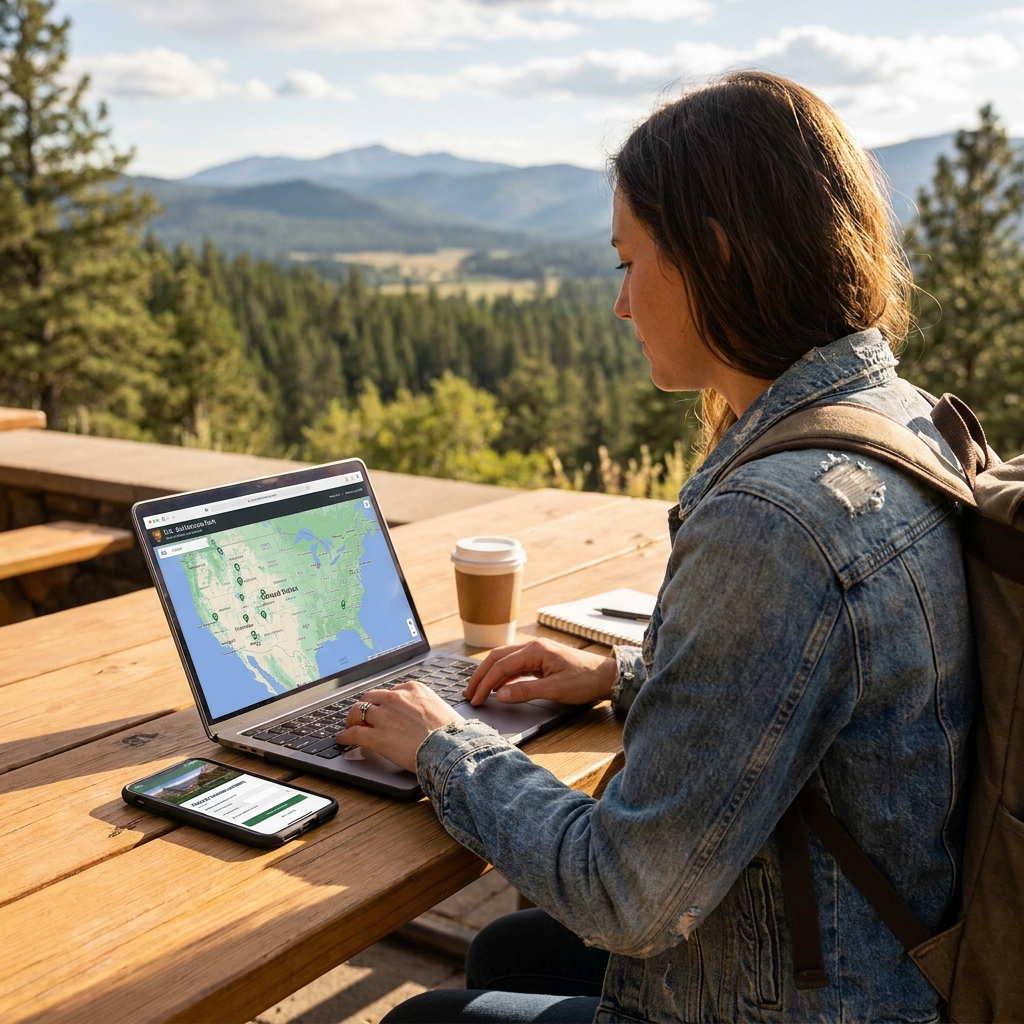
Late April is a sweet spot for daydreaming about wildflowers, waterfall hikes, and that first big family road trip of the season. It also lines up with National Park Week, when interest in America’s national parks tends to spike—and so does confusion about what you actually need to enter certain parks on certain days.
The tricky part is that there isn’t one universal rule. Some parks use timed-entry reservations during busy periods, others don’t, and details can change by season, construction, or weather. The good news: planning doesn’t have to be stressful if you stick to official sources, double-check alerts before you drive, and know how to spot lookalike booking sites that charge extra.
Where to book (and where not to): stick with NPS and Recreation.gov
If you take only one tip from this guide, make it this: start on the park’s official National Park Service website (nps.gov). From there, follow the park’s links for “Plan Your Visit,” “Fees & Passes,” and “Reservations.” If timed entry or day-use reservations are required, the park page typically points you to the correct official pathway.
For many federal recreation reservations, the official booking platform is Recreation.gov (recreation.gov). You may use it for things like timed-entry reservations, campgrounds, and some tours or permits—depending on the location and activity.
What to avoid: third-party sites that look “official” but are not. A quick safety check is the web address. Official park information will be on a .gov domain (like nps.gov). Recreation.gov is also an official federal site, even though it’s a .gov-looking name rather than a domain ending in .gov.
How to check alerts, closures, and hours before you drive
Spring is beautiful—and unpredictable. Roads can close for weather, seasonal routes may not be open yet, and visitor center hours can shift. Rather than relying on last year’s blog post or a social media comment, go straight to the specific park’s page on nps.gov and look for its “Alerts” area and operating hours.
Before you hit the road, look for:
-
Road status and seasonal closures (especially mountain roads and scenic drives)
-
Weather advisories and safety notices
-
Facility hours for visitor centers, restrooms, and shuttle systems (if offered)
-
Trail conditions and any temporary area closures
If you’re traveling with kids or older relatives, it’s also worth checking the park’s accessibility information and “Things to Do” pages so you can plan an easier day if trails are icy, muddy, or simply too long for your group.
National park timed entry reservations: how to confirm what your park requires
“Timed entry” can mean different things in different places. In general, it’s a reservation that allows a vehicle (or sometimes a person) to enter a popular area during a specific time window. Other common reservation types include campground reservations, day-use permits, and shuttle tickets.
To confirm what your destination needs, use this simple path:
-
Go to the park’s official page on nps.gov and open “Plan Your Visit.”
-
Look for “Reservations” or “Timed Entry” (wording varies by park).
-
Follow the official link to the reservation platform (often Recreation.gov).
-
Save proof of your reservation (email plus a screenshot) and note the entry window, if listed.
If you arrive without a required reservation, options can vary widely—some parks have limited same-day availability, others may turn day visitors away during certain hours. Because policies are park- and date-specific, treat the park’s own website as the final word.
A simple night-before checklist (plus how to avoid third-party booking traps)
The easiest way to have a calmer park day is to do a quick “48 hours to night-before” sweep—especially if cell service is spotty where you’re headed.
-
48 hours before: Re-check the park’s NPS alerts page for closures, weather notes, or shuttle updates. Confirm your reservation requirements (or lack of them) on the official park page.
-
Night before: Download or screenshot directions, your reservation confirmation, and key park info for offline access. Set out layers (spring temperatures can swing), pack water and snacks, and plan for sun protection.
-
Morning-of: Leave early, follow posted speed limits and guidance, and stick to established trails and Leave No Trace principles (pack out trash, don’t feed wildlife).
To avoid third-party reservation sites, watch for red flags like unexpected “service fees,” urgent language pushing you to buy add-ons, or branding that mimics “National Park” without clearly linking back to nps.gov or Recreation.gov. When in doubt, back up and start again from the park’s official NPS page. If you think you’ve encountered a deceptive booking site, consumer guidance from the Federal Trade Commission can help you figure out next steps.
Sources
Recommended sources to consult for official, up-to-date details and verification (especially because reservation requirements and alerts vary by park, season, and date):
-
National Park Service (nps.gov) — park alerts/closures, operating hours, fees, reservation requirements, accessibility info
-
Recreation.gov (recreation.gov) — official reservations, account help, confirmation and policy details (verify cancellation/refund rules for your booking)
-
U.S. Department of the Interior (doi.gov) — federal public lands information and National Park Week references (verify dates if you plan to mention them)
-
Federal Trade Commission (ftc.gov) — consumer guidance on misleading sites, fees, and steps to take if you suspect deception